Dragonforge Carousel Menu

Dragonforge Carousel Menu v1.0.1 
A Godot plugin that adds a CarouselMenu node that can be used to create carousel menus.
Free Contents
- The complete, fully functional CaroselMenu node plugin.
Forge Contents
Pay $1.95 or more and the project with the main menu example. You get everything from the FREE Tier, PLUS:
- 5 Additional Scripts for creating your menus:
- An AudioStreamPlayer script that allows you to add sound when the menu rotates or a button is pressed.
- A Load Scene button script that is configurable and loads another scene after the button press sound is played.
- An Unload Scene button script that unloads the current scene after the button press sound is played.
- A Quit button script that closes the game after the button press sound is played..
- A Test button script that outputs the name of the button to the console.
- Cloudy Sky canvas shader that can be used with Control and Node2D nodes.
- 5 Different examples of regular Button nodes customized using StyleBoxTexture resources.
Dragonforge Contents
Pay $4.95 or more and four full additional example. You get everything from the FREE and FORGE Tiers, PLUS:
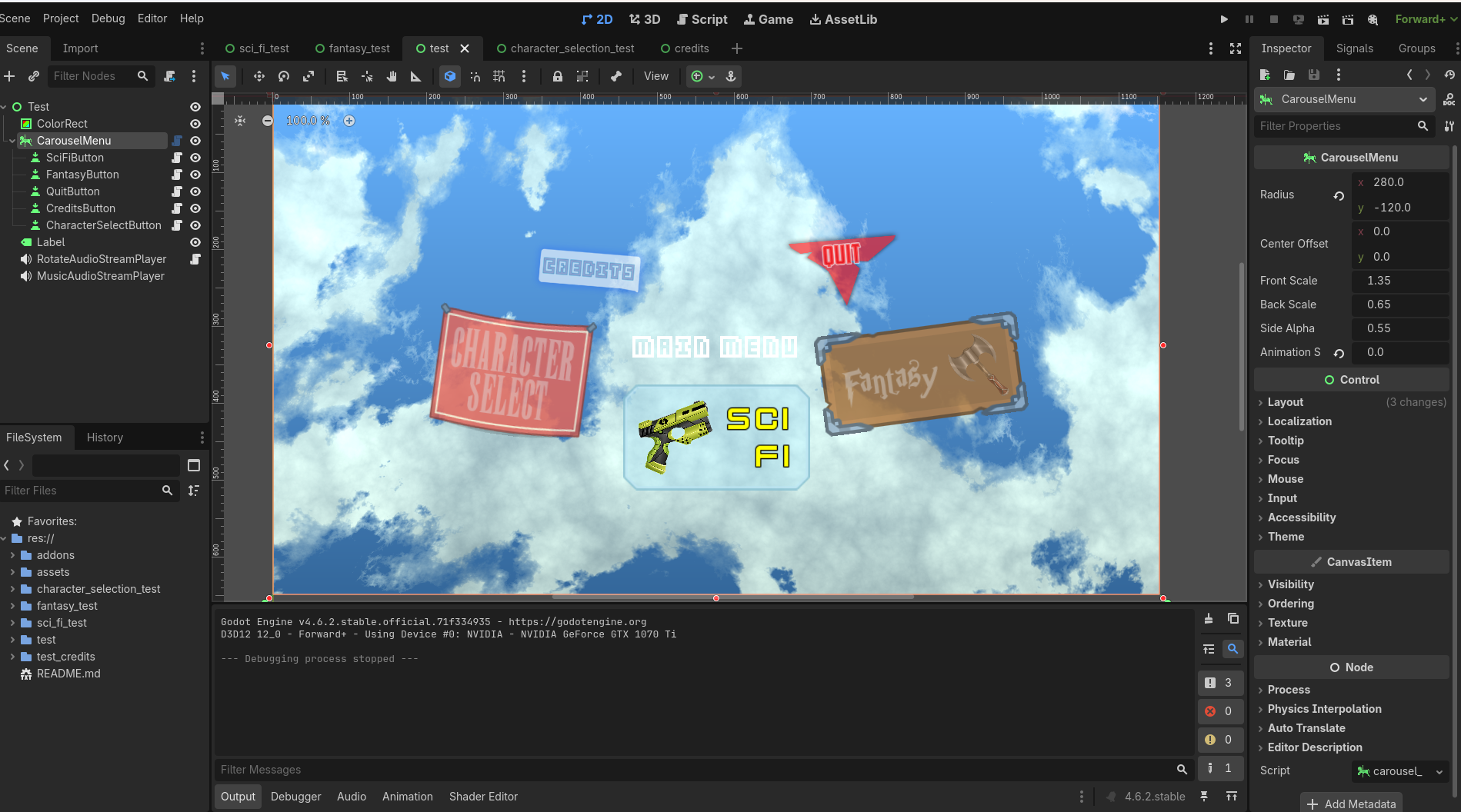
- The FULL Godot project, with 4 additional scene examples. (See screenshots below, and the interactive versions at the top of the page.)
- Sci Fi example.
- A PanelContainer script that allows the panel to appear as if it's moving in and out.
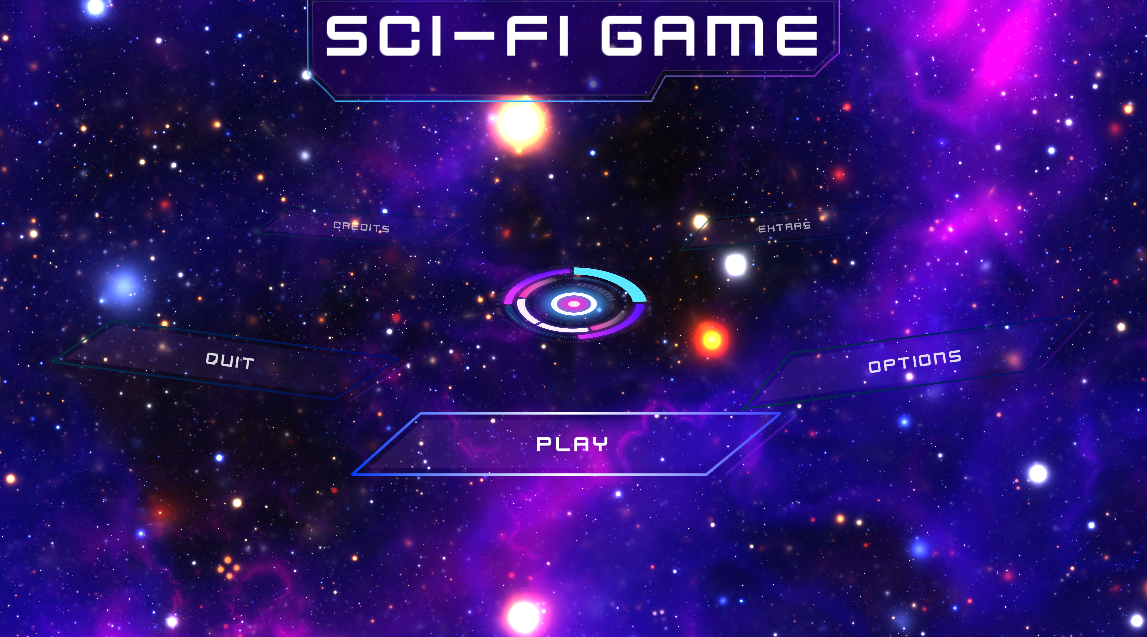
- Space canvas shader that can be used with Control and Node2D nodes.
- Fantasy example.
- A Layered Background example.
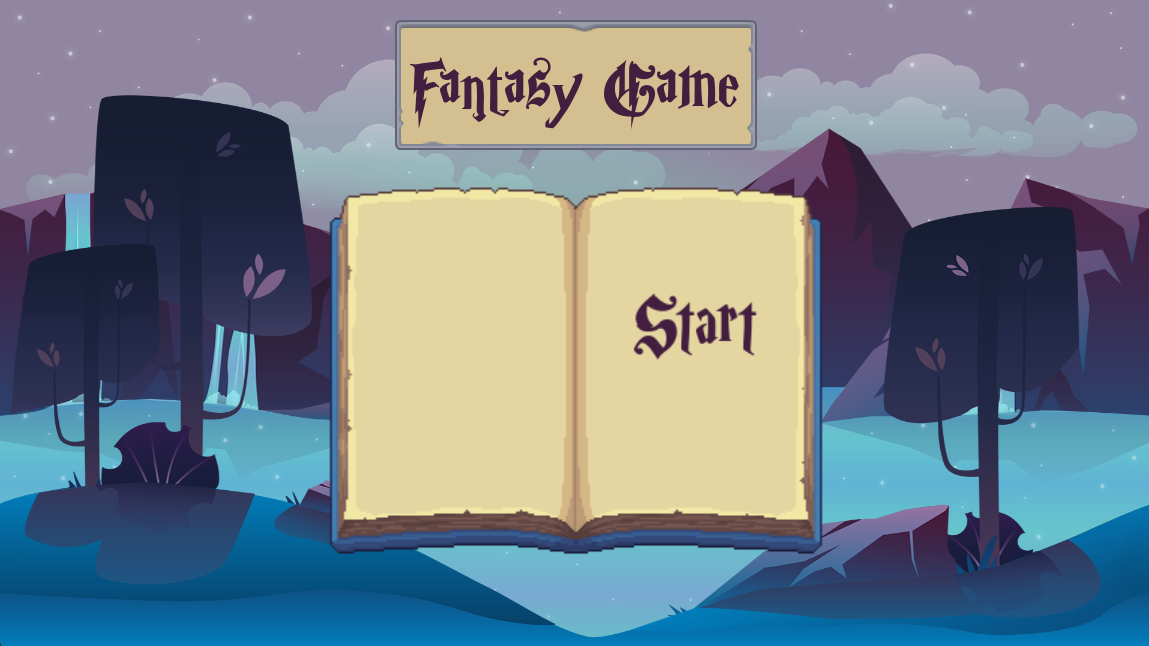
- An AnimatedNode2D to create a book in the center, which when you change the options, the pages in the book flip. When you select one, the book closes.
- Character Select example.
- A Back button script that is configurable and loads another scene after its button press sound is played.
- A Layered Background example.
- 5 AnimatedSprite2D nodes attached to buttons using StyleBoxEmpty.
- Each character has an idle animation that plays in the menu.
- 5 Different Animation and Sound examples when the character is selected.
- A Back button script that is configurable and loads another scene after its button press sound is played.
- Credits example.
- 3 TextureRect button examples.
- 2 StyleBoxFlat button examples.
- 1 Complex Control node example showing how to incorporate textures and fonts to recreate a logo.
Installation Instructions
- Copy the
dragonforge_carousel_menufolder from theaddonsfolder into your project'saddonsfolder.
Usage Instructions
Add a Carousel Node
- Add a new node as you would normally. (The Create New Node window will appear.)
- Type
carouselinto the Search box.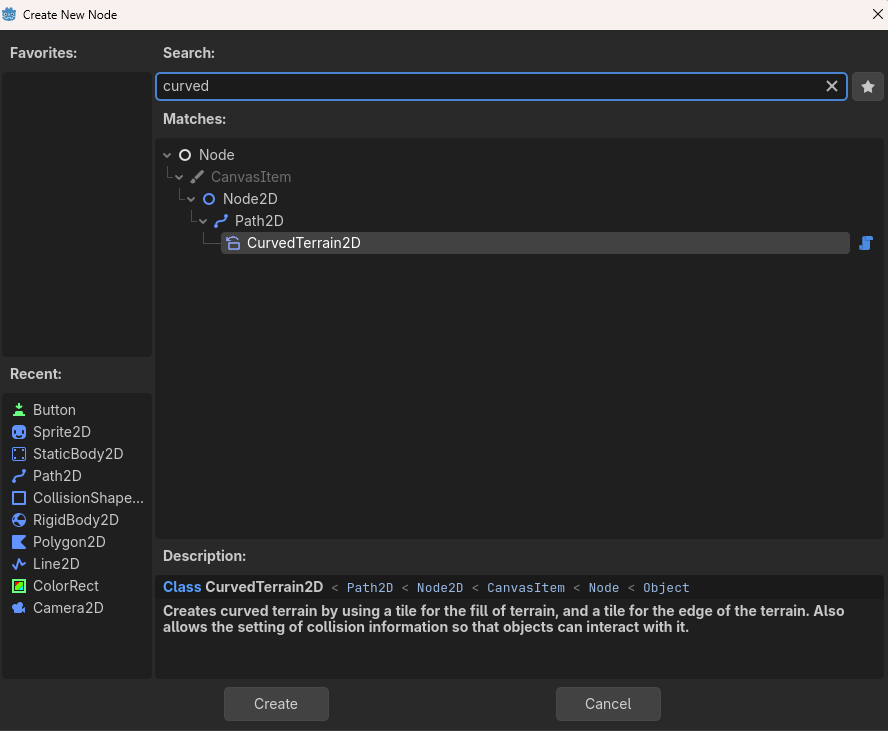
- Select CarouselMenu.
- Click the Create button.
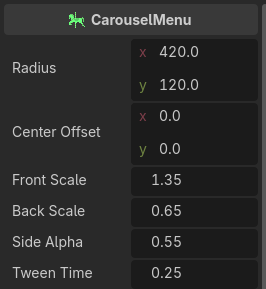
- Configure the CarouselMenu node.
Add Buttons to the Carousel Menu Node
Add button nodes as children of the CarouselMenu node. They will automatically be added to the carousel. You can add any kind of node that inherits from BaseButton, including Button, LinkButton, TextureButton, CheckBox, CheckButton, ColorPickerButton, MenuButton, OptionButton, and any custom nodes you create from any of those types.
Known Issues
- Currently to see the buttons in the editor you must refresh the screen. The easiest way to do this is save, close and reload the scene it is in.
- Sometimes the carousel can look funny if there are an even number of buttons. Rotating it solves the problem.
Examples
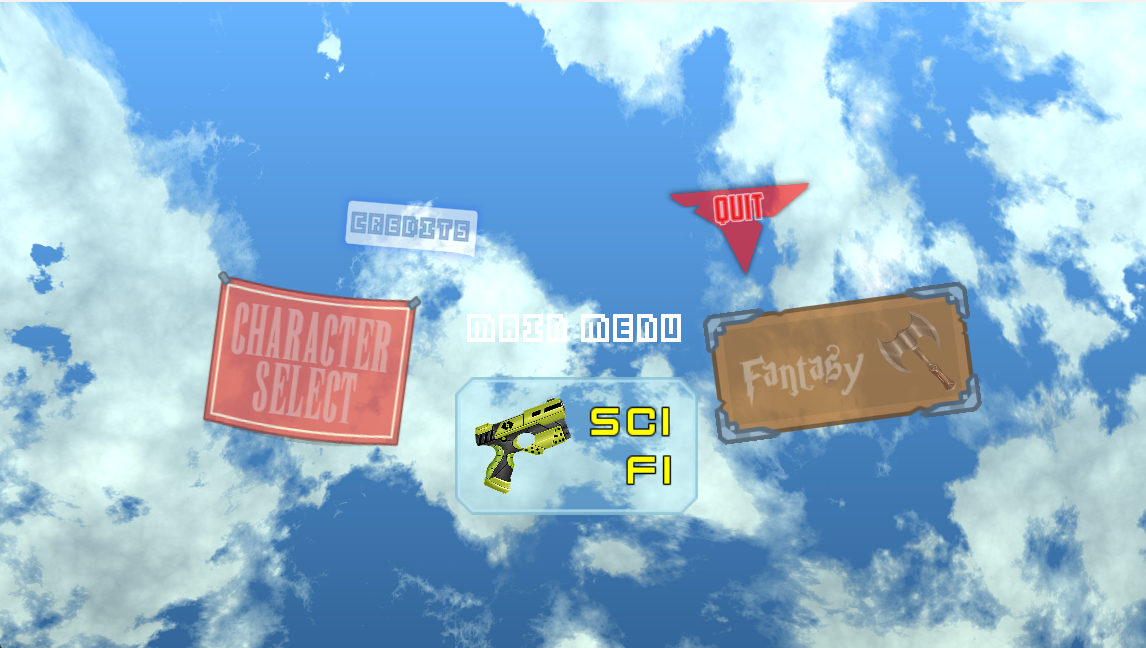
Running the project will run the test project. Each of the menu items on the main screen takes you to a different example project. There are examples of how to hook up an AudioStreamPlayer to play sounds to match up to the carousel actions. (You can also test them out at the top of this page.)
Hopefully these pages will give you some ideas of what is possible.
Test (Main)
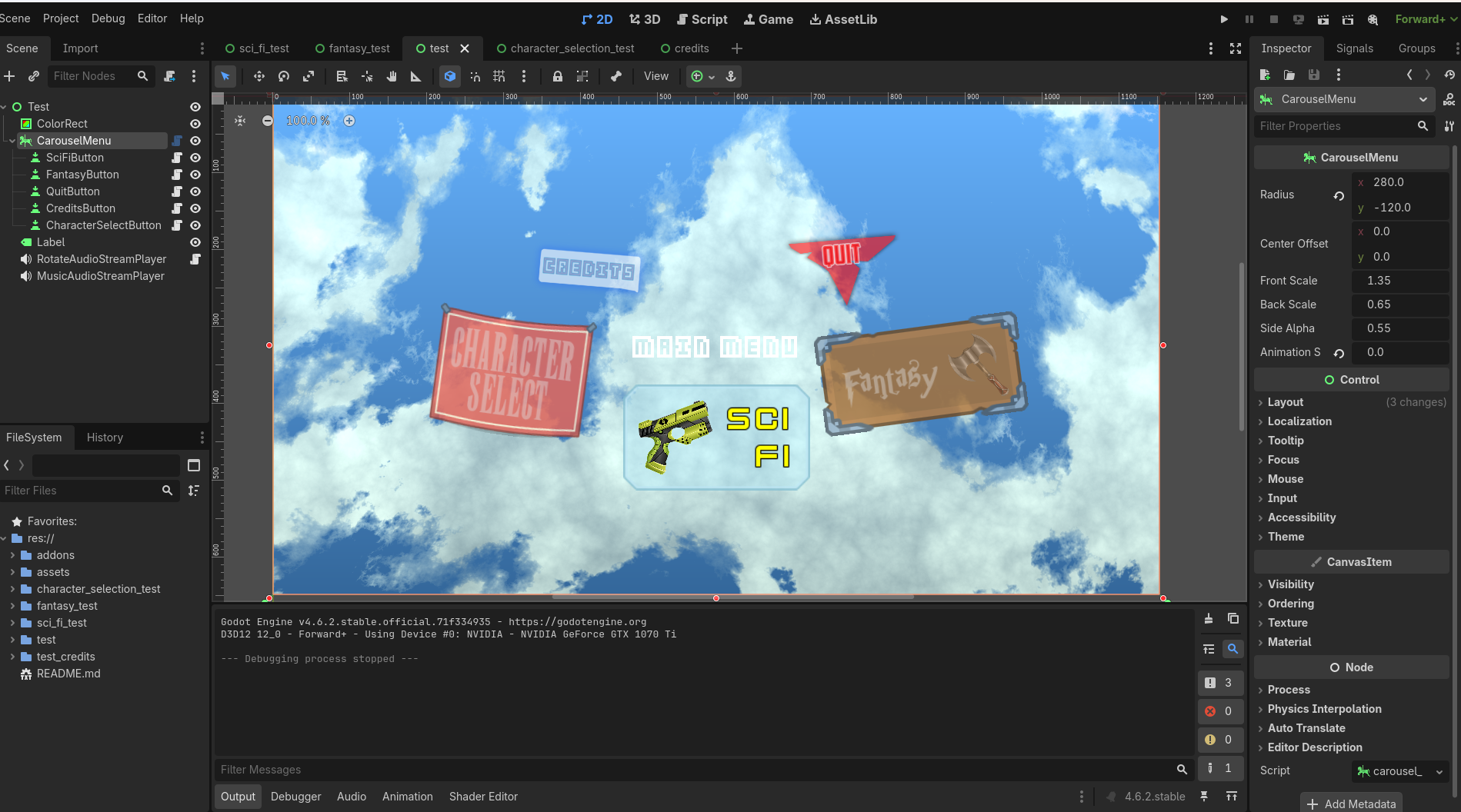
This screen links to the others, and also has aquit button. All of the buttons on this screen are plain Button objects. The background is made with a shader. 
Sci Fi
This screen uses a shader to create a background that matches the TextureButtons for this theme. The header at the top has been animated to bounce a bit. The only functional button on this page is the Quit button, which takes you back to the main page. 
Fantasy
This screen uses a layered background and an AnimatedNode2D to create a book in the center. When you change the options, the pages in the book flip. When you select one, the book closes. The only functional button on this page is the Close button, which takes you back to the main page. 
Character Select
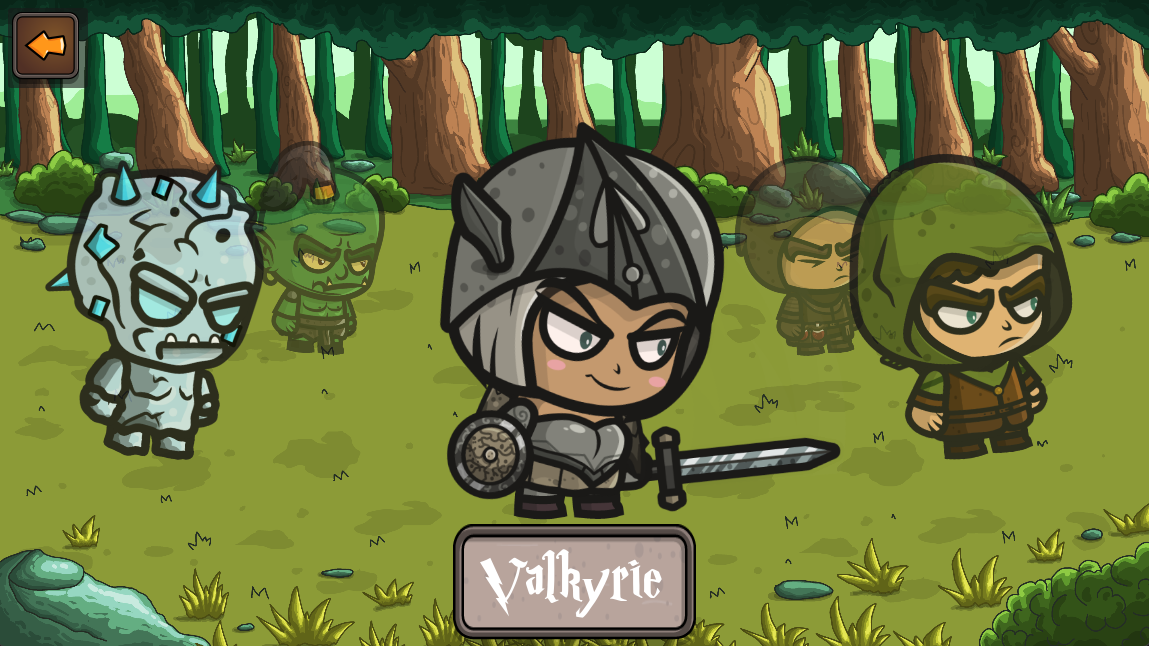
The CarouselMenu can also be used for a character select screen. By attaching an AnimatedSprite2D to each button, and giving the button an StyleBoxEmpty, we can display characters.
Each character has an idle animation that plays, and a different animation and sound when the character is selected. There is a back button in the upper left-hand corner. 
Credits
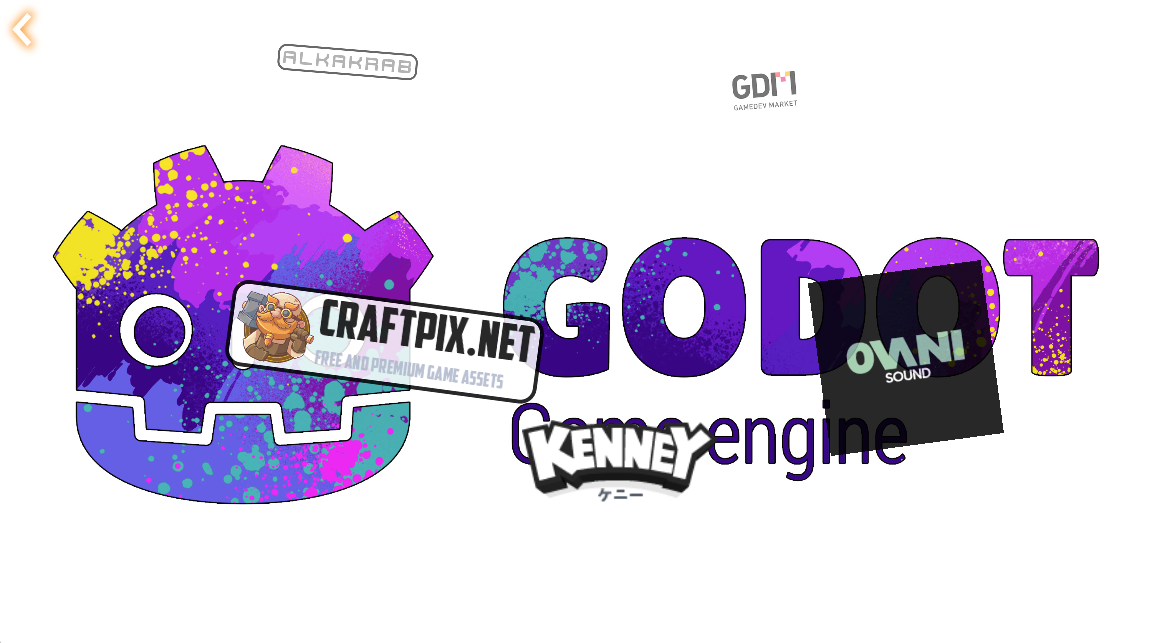
This screen is an avant-garde interactive credits screen. It shows how you can do something like display the logos of all the companies that supplied assets for your game. (Or in this case, plugin.) There is a back button in the upper left-hand corner. 
Download
Click download now to get access to the following files:
Development log
- Carousel Menu v1.0.1 Update68 days ago
- New Release: Dragonforge Carousel Menu v1.090 days ago